
Goal
Add comments to an existing project.
Learn
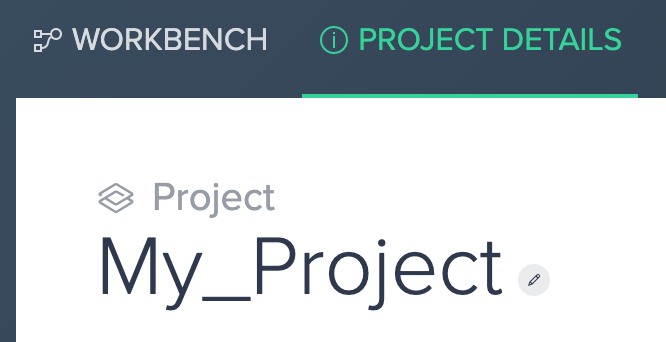
- From your Workbench view, select the Project Details tab
- On the right hand side of the screen, locate the Comments section
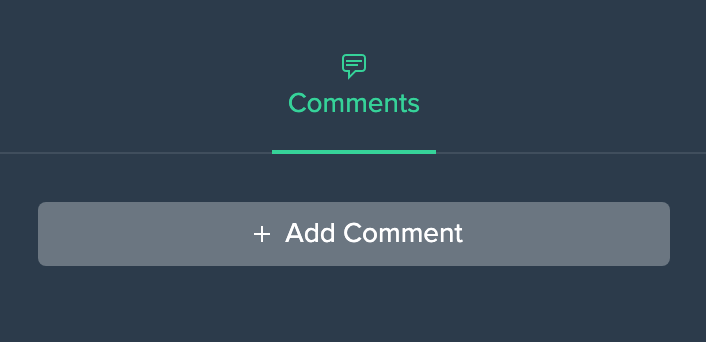
- Select "Add Comment" and then add your comment
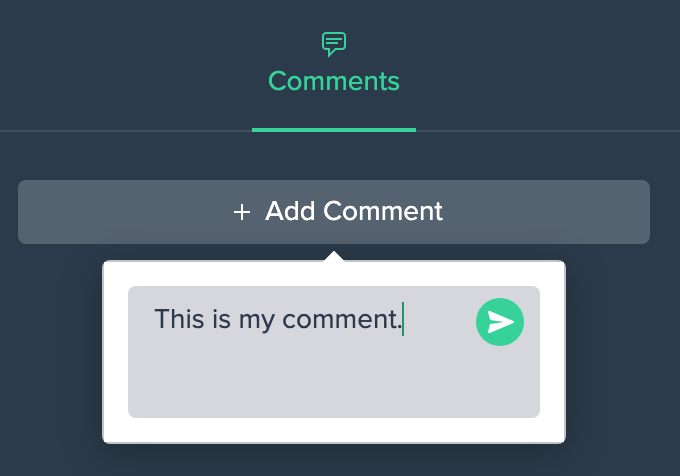
- Once you hit the Enter key or press the green arrow, your comment will be posted
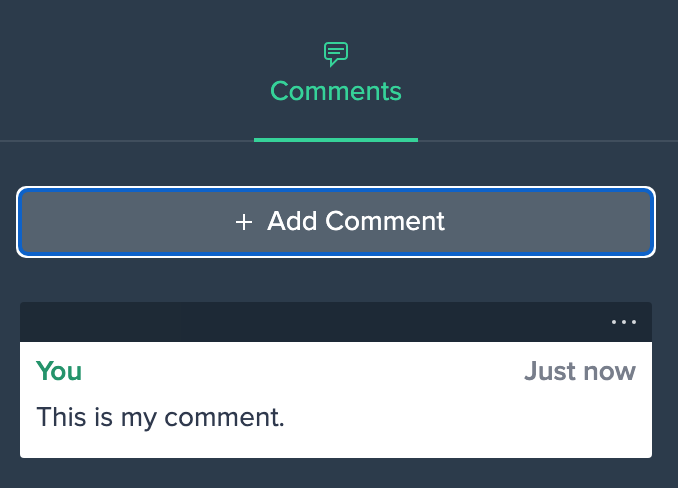
Comments
0 comments
Please sign in to leave a comment.