
Goal
Learn the details about how to leverage Datameer's search feature to the fullest.
Solution
- All assets in Datameer can be discovered by using the search functionality.
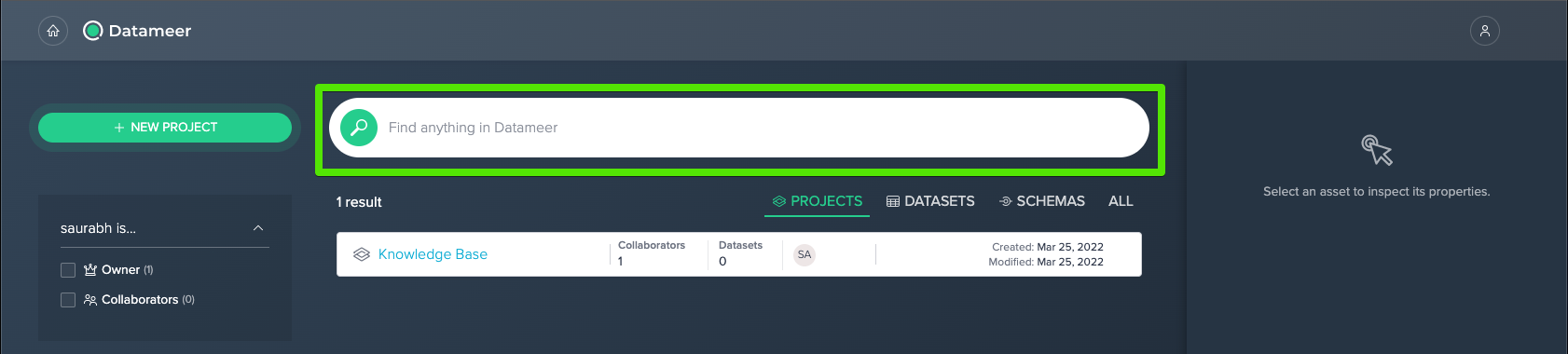
- Search can be used from the home screen.
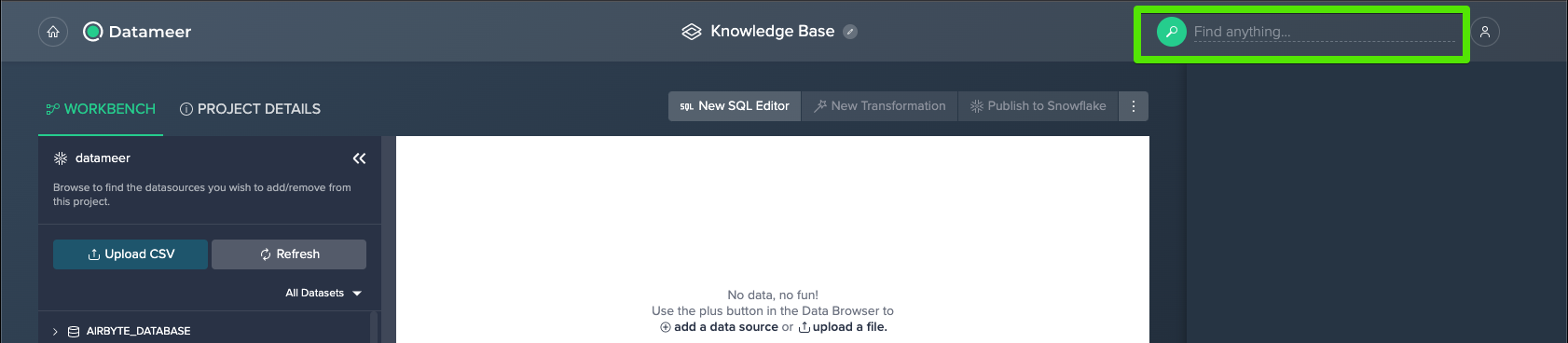
- Search can also be accessed from a project workbench.
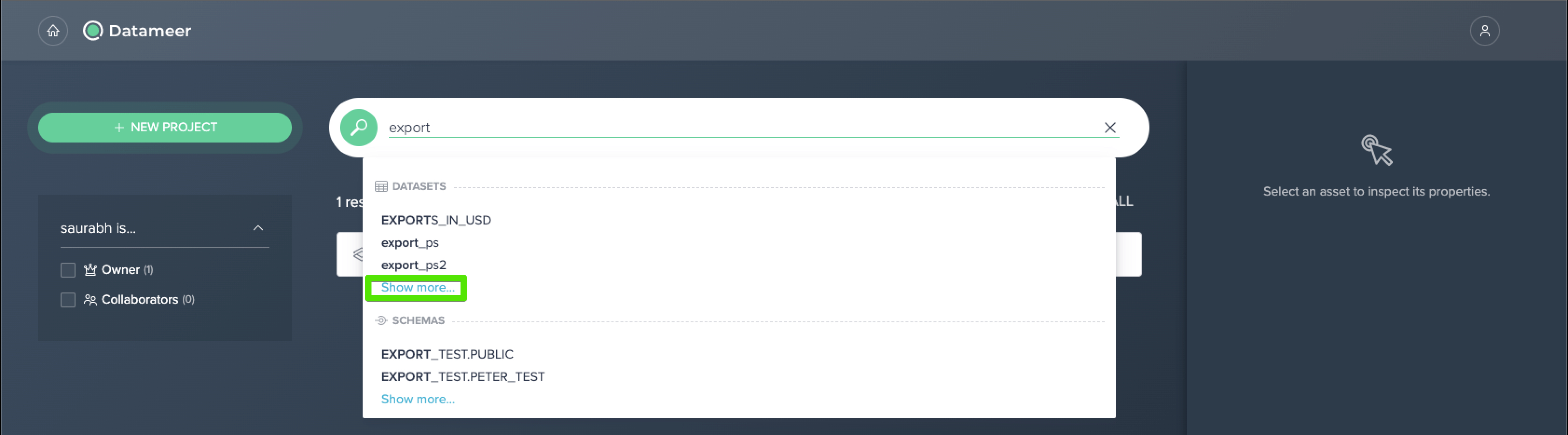
- The most applicable results are shown in real time. For a full set of results, select the "Show More" option.
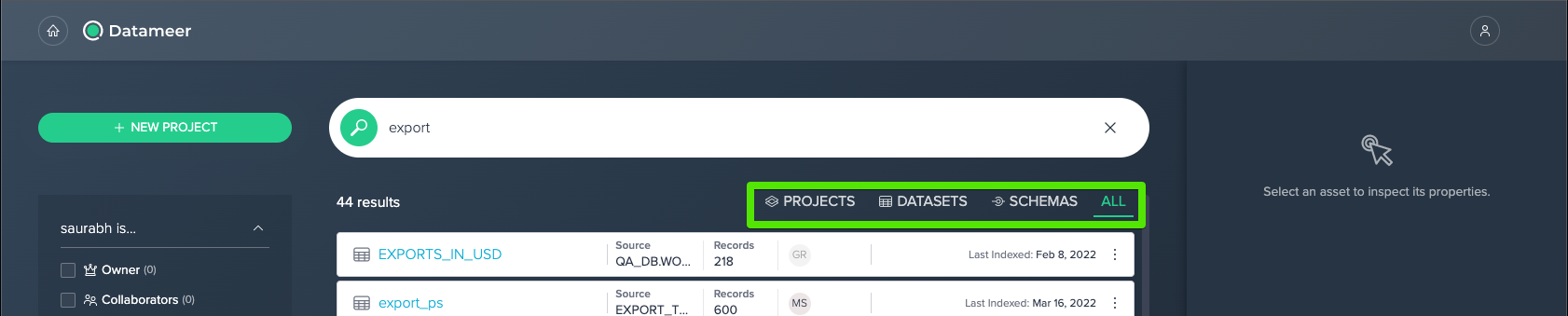
- After selecting "Show More," search results can be further filtered by selecting the provided filter criteria.
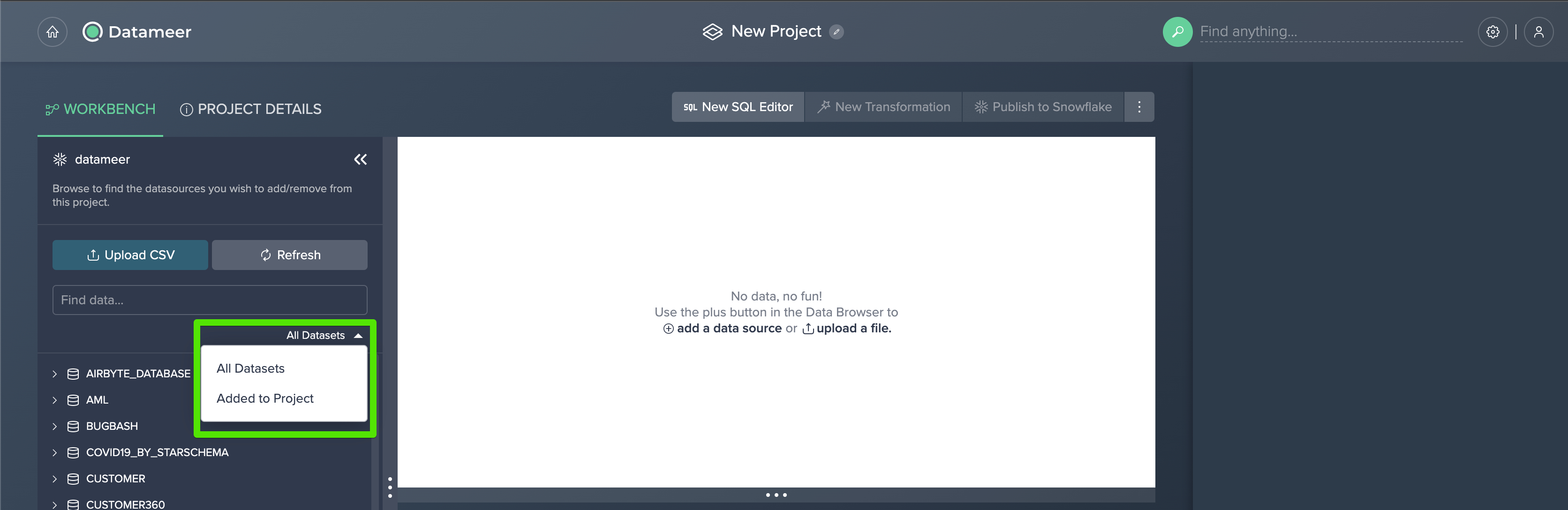
- Additionally, when working in a project, you can filter your datasets by category by selecting "All Datasets" or "Added to Project" from the left hand dropdown.
Comments
0 comments
Please sign in to leave a comment.